
Retargeting campaigns
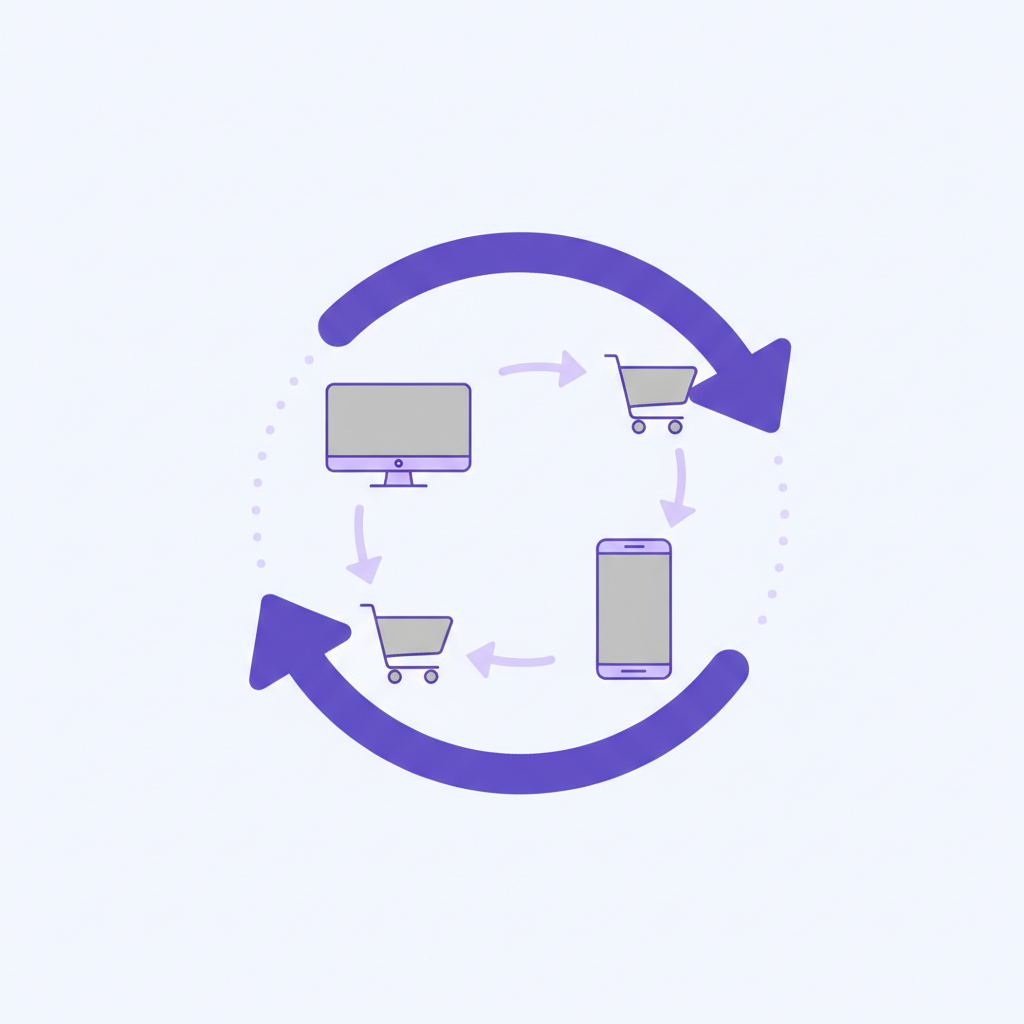
Retargeting is the practice of showing ads to people who have already visited your website or used your app. These aren't cold leads--they know who you are. A well-executed retargeting campaign re-engages these warm prospects, reminding them of your value and giving them a compelling reason to come back and convert. It's one of the highest ROI paid marketing channels you can add to your mix.
- Effort
- Medium
- Cost
- $$$
- Time to first result
- 7-14 days
- Best for
- SaaS, apps, and e-commerce with 1,000+ monthly visitors
Save this strategy and send it to my inbox
Get the full playbook - scripts, tool stack and checklist - delivered as a single email you can act on today.
No spam. One email, and only what is worth reading.
Why Retargeting Works
The simple truth is most people don't convert on their first visit. They get distracted, they're researching competitors, or they just aren't ready. Retargeting works by capitalizing on familiarity and timing. Seeing your brand again keeps you top-of-mind and builds trust. When they *are* ready to make a decision, you're the first solution they think of. This is the 'Mere-Exposure Effect' in action--people develop a preference for things merely because they are familiar with them.
Retargeting also lets you be hyper-relevant. You're not just showing a generic ad; you can tailor your message based on the user's specific behavior. Someone who visited your pricing page can be shown an ad about your 14-day trial. Someone who abandoned a shopping cart can be shown the exact product they left behind, maybe with a small discount. This level of personalization is impossible with broad, top-of-funnel advertising and is why retargeting ad spend often generates significantly higher returns.
Three real examples
Segment uses retargeting to drive SQLs
Growth marketing platform Segment wanted to reach high-intent prospects. They used LinkedIn's Insight Tag to retarget website visitors, specifically those who engaged with their content. By showing tailored ads to this warm audience, they were able to re-engage decision-makers and generate Sales Qualified Leads (SQLs) at half the cost of their other channels.
Source: LinkedIn Marketing SolutionsWatchfinder increases ROAS with search retargeting
Pre-owned luxury watch retailer Watchfinder needed to stay top-of-mind for customers making a big purchase. They used Google's Remarketing Lists for Search Ads (RLSA) to bid more competitively on keywords when a previous website visitor was searching for them. This meant they showed up right when purchase intent was highest, leading to a massive 1,300% return on their ad investment.
Source: Think with GoogleHeadspace reduces user acquisition cost
Meditation app Headspace used retargeting to bring back users who had previously installed the app but hadn't subscribed. By running app retargeting campaigns on Facebook, they could reach these specific users with messages encouraging them to start a trial or subscribe. This focus on high-intent former users resulted in a 50% lower cost per acquisition (CPA) compared to their standard acquisition campaigns.
Source: Meta for BusinessAccording to HubSpot, the average CTR for retargeting ads is 0.7%, which is about 10x higher than the average for non-targeted display ads (0.07%).
The step-by-step playbook
- 1
Step 1: Install Your Tracking Pixels
Before you can retarget anyone, you need to track them. Install the Meta Pixel (for Facebook/Instagram), Google Ads tag, and LinkedIn Insight Tag on every page of your website. This is a small snippet of code that builds your audience lists.
- 2
Step 2: Define Your Core Audiences
Don't just target 'all website visitors'. Create specific audience segments based on behavior. Good starters: 'All Visitors - 30 days', 'Visited Pricing Page - 14 days', 'Signed up but didn't activate - 7 days', 'Abandoned Cart - 7 days'.
- 3
Step 3: Choose Your Channels
Start with one or two channels where your audience is most active. For B2C, this is often Facebook and Instagram. For B2B, LinkedIn and Google's Display Network are strong choices. Your audience data will tell you where to focus.
- 4
Step 4: Create Segmented Ad Creatives
Create different ads for different audiences. The ad for someone who visited your pricing page should be different from one for a blog reader. For the pricing page visitor, show a testimonial or a trial offer. For the blog reader, promote a related webinar or ebook.
- 5
Step 5: Write Direct-Response Ad Copy
Your copy should be clear, concise, and have a single call to action (CTA). Acknowledge their prior visit subtly. For example: 'Still thinking about {Your Product}? Start your free 14-day trial today and see how it works.'
- 6
Step 6: Set a Starting Budget and Launch
You don't need a huge budget to start. Begin with $20-$50 per day per campaign. Set your campaign live and let it run for at least 3-5 days to gather initial data before making any changes. The algorithms need time to learn.
- 7
Step 7: Monitor Key Metrics
Track Click-Through Rate (CTR), Cost Per Click (CPC), and most importantly, Cost Per Acquisition (CPA) or Return On Ad Spend (ROAS). Are you getting signups or sales at a profitable price? That's the ultimate test.
- 8
Step 8: Optimize and A/B Test
After a week, start optimizing. If an ad has a low CTR, test new creative or copy. If an audience is too expensive, refine its definition or lower the bid. Always be testing one variable at a time to know what's working.
Template: 'Pricing Page Visitor' Ad Copy
Here's a simple, effective ad copy template for retargeting users who viewed your pricing page but didn't sign up for a trial.
[Headline]
On the fence? Try {Your Product Name} free for 14 days.

[Body]
Saw you checking out {Your Product Name}. Take the next step and see how teams at {Well-Known_Customer_1} and {Well-Known_Customer_2} use it to {Achieve_Benefit_X}.

No credit card required. Get all features and unlimited support from day one.

[CTA Button]
Start My Free Trial
What to Ask Before You Start
- What is the minimum number of monthly website visitors I need for this to be effective? (Hint: at least 1,000)
- Which user actions on my site signal the highest intent to buy?
- What is my allowable Cost Per Acquisition (CPA) for a new trial or customer?
- Do I have the resources to create different ad visuals for different audiences?
- What is the natural consideration period for my product? Should my retargeting window be 7, 30, or 90 days?
Focus on your allowable CPA. If you don't know this number, you can't measure if your campaigns are profitable.
Recommended tools
Meta Pixel Helper
FreeA Chrome extension that helps you verify your Facebook pixel is installed and firing correctly on your site.
Jasper.ai
From $39/moUse AI to quickly generate dozens of ad copy variations for headlines, body text, and calls-to-action to A/B test.
june.so
From $35/moHelps you analyze user behavior within your product to create highly specific retargeting audiences, like 'users who invited a teammate but didn't create a project'.
Google Ads
Pay-per-clickEssential for running campaigns on the Google Display Network and for search retargeting (RLSA).
Prices are indicative and change - check the vendor before buying.
Do it faster with AI Prompts
Generate Ad Copy Angles
Act as a direct response copywriter. My company, {Your Company Name}, sells {Product Description}. I want to run a retargeting campaign for people who visited our pricing page but didn't sign up. Write 5 different ad copy concepts (headline, body, CTA) for a Facebook ad. Focus on overcoming common objections like price, complexity, and trust.
Brainstorm Audience Segments
I'm setting up retargeting for my B2B SaaS product, {Your Product Name}. My website has a homepage, feature pages, a pricing page, a blog, and a signup page. Brainstorm 10 different retargeting audience segments I could create, including the audience definition and the ideal time window (e.g., 7, 14, 30, 90 days).
Ideate Ad Creatives
I need ad creative ideas for a retargeting campaign. My product is {Product Description}. My target audience is {Target Audience}. I'm retargeting users who started a free trial but haven't activated. Give me 5 distinct visual concepts for static image ads. The concepts should be simple enough to create without a full-time designer.
Mistakes that kill this play
- Not excluding converters. Don't show 'sign up' ads to people who have already signed up. It's a waste of money and a bad user experience.
- Running only one generic ad. Your message to a blog reader should be different from your message to a pricing page visitor.
- Setting the frequency cap too high. Showing the same person your ad 20 times a day is annoying. Start with a cap of 3-5 impressions per day per user.
- Ignoring the landing page. The post-click experience matters. Send users to a page that's highly relevant to the ad they just clicked, not just back to your homepage.
- Using too short of a time window. For complex B2B products with long sales cycles, a 7-day retargeting window is too short. Match the window to your customer's consideration phase.
- Focusing only on CPC/CTR. The only metric that truly matters is your return. A campaign with a high CPC can still be wildly profitable if it's converting high-value customers.
- Giving up too early. Ad algorithms need time and data to optimize. Don't kill a campaign after 48 hours because it's not profitable yet. Let it run for at least a week.
Your First 7 Days
- Day 1: Install and verify your ad pixels (Meta, Google, LinkedIn) on your website using their official guides or Google Tag Manager.
- Day 2: Create your first two audience segments in your chosen ad platform: 1) All website visitors in the last 30 days, and 2) Visitors to your pricing page in the last 14 days.
- Day 3: Write the ad copy and headlines for each of your two audiences. Use the AI prompts to generate ideas.
- Day 4: Design the creative for your ads. Create at least two different visual variations for each audience to set up an A/B test from the start.
- Day 5: Build the campaigns in your chosen ad platform. Set a daily budget, configure your audiences, upload your creative/copy, and set your conversion goals.
- Day 6: Launch your campaigns. Double-check that everything is active and tracking correctly. Monitor for any immediate red flags like an unusually high CPC.
- Day 7: Review the first full day of data. Look at CTR and CPC, but don't make any major changes yet. Let the campaigns gather more data.
Save this strategy and send it to my inbox
Get the full playbook - scripts, tool stack and checklist - delivered as a single email you can act on today.
No spam. One email, and only what is worth reading.
More Level 4 hacks
YouTube influencers
Leverage YouTubers to build awareness by asking for a review.
Twitter/X ads
Target audience on twitter/x.
Sponsor an online community
Reach your target audience with ads.
Sponsor on an event
Reach your audience.
Sponsor podcasts or newsletters
Sponsor podcasts or newsletters targeting your audience.
Reddit ads
Reach audience on reddit.