
Customized testimonials (onboarding)
This playbook shows you how to use targeted, hyper-relevant testimonials inside your onboarding flow. Instead of generic quotes on a landing page, you'll show new users specific stories from existing customers they identify with. This builds instant trust and helps new users reach your product's 'aha!' moment faster.
- Effort
- Low
- Cost
- Free
- Time to first result
- 1-2 weeks
- Best for
- SaaS, Apps, Marketplaces
Save this strategy and send it to my inbox
Get the full playbook - scripts, tool stack and checklist - delivered as a single email you can act on today.
No spam. One email, and only what is worth reading.
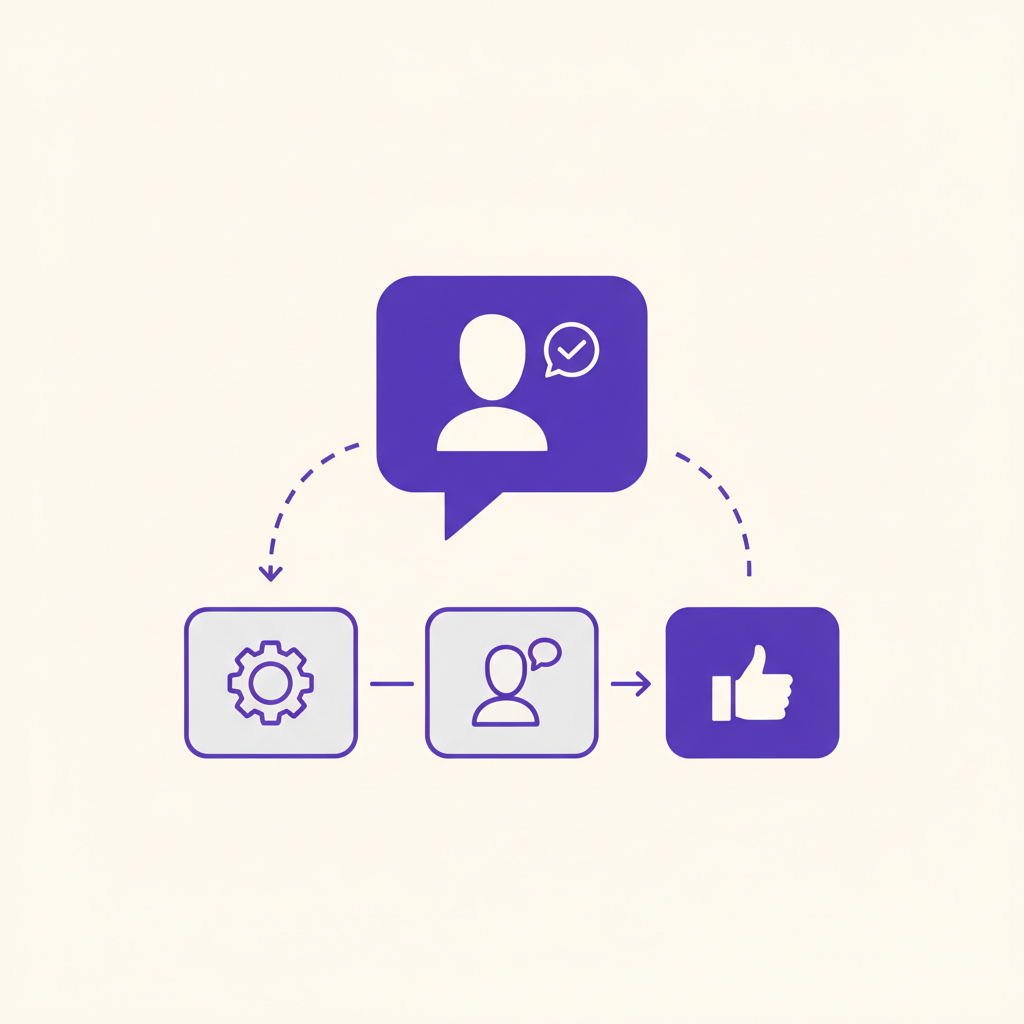
Why this works: Relevance builds trust
Social proof is a powerful psychological trigger. When we're uncertain, we look to others' actions to guide our own. For a new user, your product is an uncertain environment. Seeing that other people--especially people they perceive as similar to themselves--are succeeding with it provides a powerful nudge to continue.
Customization makes that social proof 10x more effective. A generic testimonial is background noise. A testimonial from someone in the same industry, same role, or with the same goal is a direct, personal recommendation. It tells the new user, 'This tool was built for people like you, and it solved the exact problem you have.' This relevance cuts through the noise and helps them visualize their own success.
Three real examples
Robinhood showed users how many people in their state had signed up
In its early days, Robinhood's onboarding genius was showing new users a simple message: '1,542 people in [Your State] have already signed up.' This hyper-localized social proof made the service feel popular, immediate, and trustworthy, reassuring users they weren't the first to try it. It created a sense of local, relevant momentum that a national number couldn't match.
Source: First Round ReviewNotion integrates community templates into the new user experience
Notion's onboarding doesn't just use text quotes; it uses entire templates built by its community. When a new user signs up, they're presented with a gallery of solutions for different roles and use cases (e.g., 'Content Calendar for Startups' by a real marketing manager). This is a powerful form of testimonial that is also functional, showing users exactly how people in their role get value from the tool.
Source: NotionCodecademy uses peer stories to motivate learners
Codecademy places testimonials not just on their homepage, but within the learning experience. They feature stories of learners who got jobs at major tech companies after completing courses. For a new user struggling with a difficult concept, seeing a story from someone who was once in their shoes and is now a Senior Developer at Google provides powerful, context-specific motivation to stick with it.
Source: Codecademy StoriesIf you ask for role/industry at signup, you can dynamically insert the right testimonial for each new user. This is the gold standard.
The step-by-step playbook
- 1
1. Map your current onboarding flow
Take screenshots of every single step a new user takes, from signup to the first key action. Lay them out in a Figma or Miro board. Identify the moments of highest friction or uncertainty where a user might drop off.
- 2
2. Identify 2-3 new user segments
Who is signing up? Don't get too granular. Start with simple, broad segments based on the data you ask for at signup or can infer. Examples: 'Marketers at Startups', 'Freelance Designers', 'Engineering Students'.
- 3
3. Find happy customers in those segments
Look at your most active users, or those who have recently upgraded or given you a high NPS score. Cross-reference them with your target segments. Your goal is to find 3-5 great customers for each segment.
- 4
4. Reach out and ask for a testimonial
Use the email script below. Personalize it. Explain where you want to use their story and why their perspective is valuable. Make it easy for them to say yes.
- 5
5. Get a great quote (and a headshot)
A great quote focuses on a specific transformation or result, not just 'It's a great tool'. If they send back something generic, follow up with a specific question like, 'Could you tell me about a specific time the tool saved you time?' Always ask for a simple headshot to go with the quote.
- 6
6. Place the testimonial in your onboarding
Go back to your onboarding map. Find the most relevant place to insert the testimonial. For example, show the 'Marketer at a Startup' testimonial right after a new user identifies themselves as a marketer. It can be a simple popup, a slide in your product tour, or a small UI element.
- 7
7. Measure the impact on activation
Track the activation rate for users who see the testimonial vs. those who don't (if you can A/B test). At a minimum, track your overall activation rate for a few weeks after implementing. Look for a lift.
The Ask: A copy-paste email template
Here's a simple, non-salesy email you can send to a happy customer to ask for a testimonial. Personalize the first line and the {details} placeholders.
Subject: Quick question

Hi {FirstName},

Hope you're having a great week. I saw you recently {achieved a milestone} with {YourProduct} - that's awesome to see.

I'm working on improving our onboarding for new users, and I think a short story from you would be incredibly helpful for others in the {customer's industry/role} space.

Would you be open to me sharing your experience (just a sentence or two) inside the product to help new users find their footing? We'd of course link to your site/profile as a thank you.

No worries if you're too busy!

Best,
{YourName}
Key questions to ask yourself
- What is the single biggest point of friction or doubt for my new users?
- What are the 2-3 most common 'jobs' or 'roles' of my new users?
- Do I currently collect user role/goal information during signup?
- Who are my most successful current customers in those roles?
- What's the simplest possible way I can technically implement this? (e.g., hard-code it before building a complex system)
Start with the first two questions. Answering them will give you 80% of the direction you need for this entire playbook.
Recommended tools
Tally.so
FreeUse Tally to create simple, elegant forms to collect testimonials or run surveys to find your happiest users. It's user-friendly and powerful.
June.so
Starts freeUse June to identify your power users and track if these new testimonials are actually improving your activation rates. It's product analytics, simplified for SaaS founders.
CleanUp.pictures
FreeYour customers will send you headshots with messy backgrounds. Use this free tool to instantly clean them up so they look professional in your UI.
VideoAsk
Starts freeWant to take it to the next level? Use VideoAsk to collect video testimonials. They feel more authentic and can be even more powerful than text.
Prices are indicative and change - check the vendor before buying.
Do it faster with AI Prompts
Brainstorm testimonial placements
I am building a {SaaS for content marketers}. A new user signs up, connects their blog, and sees a dashboard for the first time. Brainstorm 5 specific moments in the onboarding flow where I could show a targeted testimonial from an existing customer to increase activation.
Improve a generic testimonial
A customer gave me this testimonial for my product, {YourProduct}: ''' {YourProduct} is a really great tool, I enjoy using it and it's made my life easier. ''' Rewrite this testimonial to be more specific and impactful. Invent a plausible, concrete outcome. The customer is a {freelance graphic designer} and the product is a {project management tool}. Make it sound authentic and human.
Write a follow-up question
A happy customer sent me a generic testimonial. I want to get a more specific, results-oriented quote from them. My product is a {social media scheduling tool} and the customer is a {small coffee shop owner}. Write a friendly, one-sentence follow-up email I can send to ask for more specific detail about the results they've seen.
Mistakes that kill this play
- Using generic 'Five-Star' ratings instead of quotes from real people.
- Placing testimonials far away from the relevant action (e.g., in the footer instead of in the onboarding flow).
- Not asking for permission or a headshot.
- Using testimonials from people your new user can't relate to.
- Making the testimonial a huge, obnoxious popup that blocks the UI.
- Forgetting to link to the person's company or social profile as a small 'thank you'.
Your first 7 days
- Day 1: Map your existing onboarding flow. Identify 2-3 potential spots for a testimonial.
- Day 2: Define your top 2 user segments. Use your analytics or user database to find 5 happy customers in each segment.
- Day 3: Personalize and send the testimonial request email (from the script above) to those 10 customers.
- Day 4: Follow up with anyone who hasn't replied. For those who have, ask clarifying questions to get a great, specific quote. Get headshots.
- Day 5: Choose the best 1-2 testimonials and work with your developer (or do it yourself) to implement the simplest possible version in your onboarding.
- Days 6-7: Deploy the change. Set up an annotation in your analytics to mark the date. Watch your activation metrics.
Save this strategy and send it to my inbox
Get the full playbook - scripts, tool stack and checklist - delivered as a single email you can act on today.
No spam. One email, and only what is worth reading.
More Level 1 hacks
Video testimonials from customers
Best testimonials there are!
Upgrade button
Highlight the ‘upgrade’ button in your product.
Submit URL to directories for free traffic
Add your URL to directories.
Survey customers
Simply ask your customers.
Testimonials
Use testimonials on your website.
Testimonials on pricing page
Underrated way to remove doubts.