
Show the pain points
The most effective marketing doesn't sell a product-it sells a solution to a painful problem. This playbook is about making that problem painfully obvious. We'll show you how to contrast the frustrating 'before' state (life without your product) with the successful 'after' state (life with your product). This simple shift in messaging can dramatically increase your conversion rates by making your value proposition impossible to ignore.
- Effort
- Low
- Cost
- Zero
- Time to first result
- 1 week
- Best for
- SaaS, apps, and online products
Save this strategy and send it to my inbox
Get the full playbook - scripts, tool stack and checklist - delivered as a single email you can act on today.
No spam. One email, and only what is worth reading.
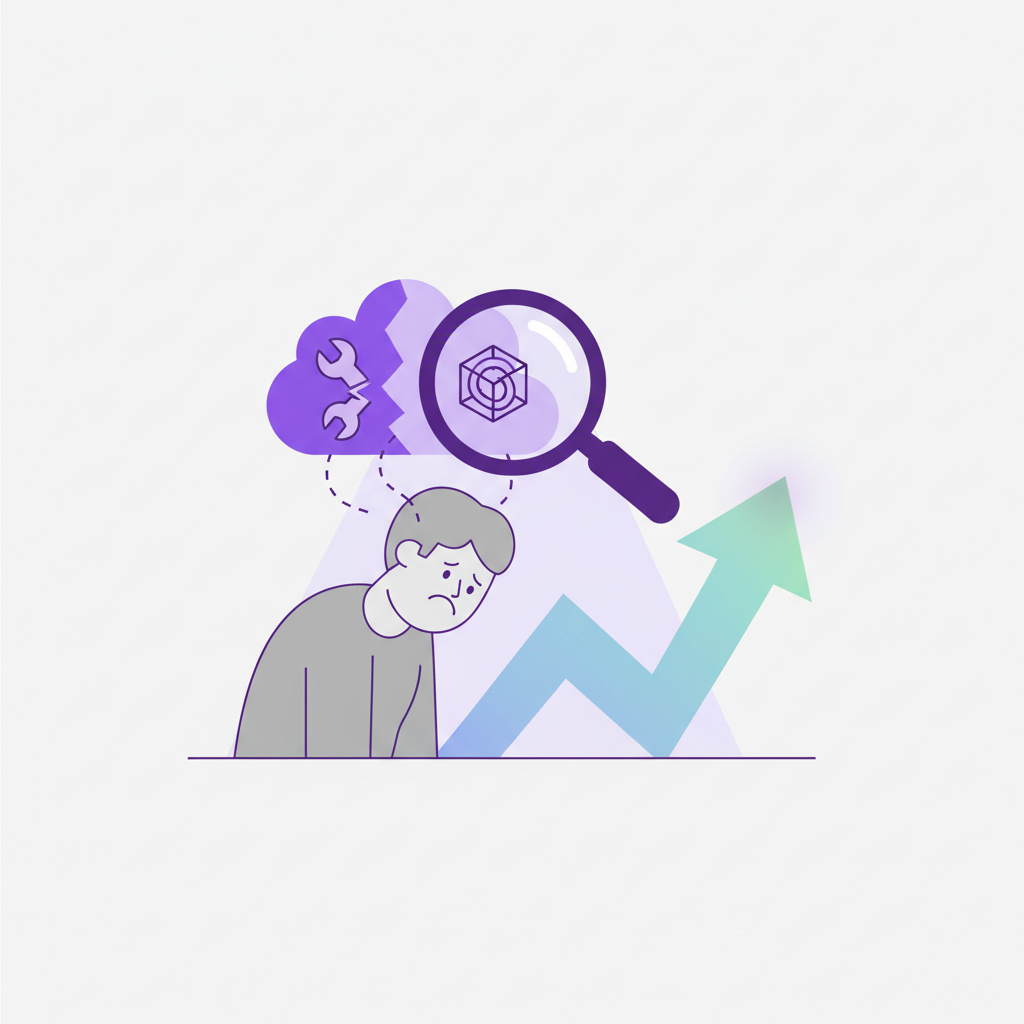
Why This Works
People buy painkillers, not vitamins. By vividly describing the user's current struggle, you make them feel seen and understood. Agitating the problem-gently-moves your product from a 'nice-to-have' to a 'must-have'. It answers the user's unspoken question, 'Do you understand my specific problem?'. When you name their frustration using their own language, you build instant rapport and credibility.
This framework shifts the focus from features to outcomes. No one cares that you have a 'bi-directional data sync'. They care that they can 'stop manually copy-pasting data between spreadsheets'. Showing the 'after' state helps the user visualize themselves successfully using your product. It makes the value tangible and directly connects your solution to their desired future, which is the core of a powerful value proposition.
Three real examples
Basecamp: The Calm Before The Storm
Basecamp has masterfully used this for over a decade. Their homepage consistently contrasts the 'before' state of chaos-scattered files, missed deadlines, and endless email chains-with the 'after' state of calm, organized, and centralized work. They don't just sell a project management tool; they sell 'The Calm, Organized Way to Manage Projects and Company-Wide Communication'.
Source: BasecampLoom: Fewer, Shorter Meetings
Loom's core value proposition is a direct attack on the pain of endless meetings and long-winded emails. Their 'before' is a calendar packed with Zoom calls. Their 'after' is a quick, asynchronous video message that gets the point across in two minutes. This 'show, don't tell' approach to a universal business pain helped them unlock massive product-led growth.
Source: First Round ReviewFront: The End of The Messy Shared Inbox
Front targets the pain of managing shared inboxes like support@ or contact@. The 'before' is a world of missed messages, duplicate replies, and no accountability. The 'after' is a collaborative space where teams can assign, comment on, and resolve emails together efficiently. They sell a direct solution to a very specific, and very common, operational headache.
Source: HubSpotThis isn't just for marketing pages. Use the 'before-after' framework in your sales decks, investor pitches, and even your team meetings to keep everyone focused on the core problem you solve.
The step-by-step playbook
- 1
1. Identify Your Ideal Customer Profile (ICP)
Get specific. Don't just say 'marketers'. Say 'marketing managers at B2B SaaS companies with 50-200 employees who are struggling to measure content ROI'. The sharper your focus, the clearer the pain points will be.
- 2
2. Interview 5 Current Customers
Reach out to your best customers and ask for 20 minutes of their time. Do not pitch them anything. Your only goal is to learn about their workflow before your tool and the specific struggles they faced.
- 3
3. Listen for 'Pain Language'
During the interviews, listen for emotional, unpolished words. Phrases like 'it was so annoying', 'I wasted so much time', 'I was always worried about', or 'it was a total mess' are pure gold. Write them down verbatim.
- 4
4. Map the 'Before' State
Based on your interviews, write a short story or a bulleted list describing the user's workflow without your product. Use the pain language you captured. This is your problem snapshot.
- 5
5. Define the 'After' State
For each pain point in the 'before' state, write a corresponding 'after' statement. If the 'before' is 'Wasting an hour every Monday morning pulling reports', the 'after' is 'Get your Monday morning report automatically delivered to your inbox'.
- 6
6. Write Your 'Before-After' Headline
Use your notes to craft a powerful new headline for your homepage or landing page. Classic formulas include: 'Stop [Pain], Start [Result]' or '[Frustrating Old Way] vs. [Easy New Way]'.
- 7
7. Create a Comparison Graphic
Design a simple two-column image or table. Label one side 'Before' (or the old way) and the other 'After' (or with our product). List 3-5 key transformations. This visual is incredibly effective and shareable.
How to Uncover Pain Points (The User Interview Script)
Use this script for your customer interviews. The goal is to get them talking about their process and problems, not about your product's features.
Hey {customer_name},

Thanks for taking a few minutes to chat. As you know, we're always trying to make {your_product_name} better, and the best way to do that is by talking to the people who use it every day.

I don't want to take up too much of your time. I'd love to learn a bit about how your team handled {the_job_to_be_done} before you started using us.

- Can you walk me through your process for {the_job_to_be_done} before you had {your_product_name}?
- What tools were you using?
- What was the most frustrating or time-consuming part of that process?
- Was there anything you were constantly worried about or that kept falling through the cracks?
- What's the biggest difference you've noticed since switching over?

That's it. This is super helpful for us to make sure we're focused on solving the right problems. Thanks again!
Key Questions to Ask Yourself
- What is the single, most expensive problem I am solving for my customers (in terms of time, money, or stress)?
- What specific, emotional words do my customers use when they describe this problem?
- Can I show the 'before' state with a screenshot, GIF, or diagram?
- Is my 'after' statement an outcome (e.g., 'never miss a lead') or a feature (e.g., 'instant notifications')?
- Where are the 3 most impactful places on my website or in my onboarding to place this 'before-after' messaging?
Focus on the first two questions. Getting the core problem and the customer's language right is 80% of the battle. The rest is just presentation.
Recommended tools
Tally.so
Free tier availableUse Tally to create simple, elegant surveys to ask your users about their biggest pain points. It's fast, free, and easy to analyze the results.
VideoAsk (by Typeform)
Starts freeGo one step further than text. Use VideoAsk to collect qualitative feedback and testimonials where you can literally see and hear the customer's pain and their relief.
Jasper.ai
Paid plansOnce you have your raw customer language, use Jasper to brainstorm dozens of 'before-after' headline variations and body copy ideas for your landing page.
Screen Studio
PaidEasily record and edit beautiful screen recordings. Use it to literally SHOW the messy 'before' process and contrast it with the clean and simple 'after' process using your app.
Prices are indicative and change - check the vendor before buying.
Do it faster with AI Prompts
Brainstorm Customer Pain Points
I am building a product called {product_name}. It does {what_it_does}. My target customer is a {customer_persona}, like a {job_title} at a {company_type}. Based on this, generate a list of 10 potential 'before' state pain points this person experiences in their daily work. Focus on frustrations, time-wasters, and anxieties. Use direct, emotional language.
Generate 'Before-After' Copy
My product helps customers solve a key problem. The 'Before' state (the pain): {Describe the customer's pain point, e.g., 'Wasting hours every week manually copy-pasting sales data into a spreadsheet.'} The 'After' state (the solution): {Describe the outcome, e.g., 'All sales data is automatically synced into a live dashboard.'} Generate 5 headline options and 3 short paragraph options for a website landing page using this 'before-after' contrast.
Create User Interview Questions
I'm preparing for a user research interview to uncover customer pain points. My product, {product_name}, helps {customer_persona} to {job_to_be_done}. Generate a list of 7 open-ended interview questions I can ask. The questions should encourage the user to talk about their workflow, their frustrations, and their processes *before* they started using my product. Do not ask about my product's features.
Mistakes that kill this play
- Inventing pain points that your customers don't actually have.
- Using generic marketing jargon ('streamline workflows') instead of real customer language ('stop losing track of feedback').
- Focusing only on the pain ('your inbox is a nightmare') without clearly showing the path to the solution.
- Describing product features instead of customer outcomes (e.g., 'We have an API' vs. 'Connect all your tools in minutes').
- Being too vague. 'Saves you time' is weak. 'Cut your weekly reporting from 3 hours to 15 minutes' is strong.
- Assuming you already know the answers without actually talking to your users.
Your First 7 Days
- Day 1: Choose your single most important customer segment. Find 10 existing customers or prospects who fit this profile.
- Day 2: Send a personal email to those 10 people asking for a 20-minute chat to 'learn about their workflow'. Use the script from this playbook.
- Day 3: Conduct at least 3-5 interviews. Record them (with permission) and take detailed notes, focusing on direct quotes about frustrations and problems.
- Day 4: Synthesize your notes. Write down the top 5 'pain phrases' you heard repeatedly. Draft 'before' and 'after' statements for each.
- Day 5: Rewrite the headline and sub-headline of your homepage to reflect the most powerful 'before-after' contrast you discovered.
- Day 6: Create a simple two-column 'Before vs. After' image and post it on your social media channels or to your email list.
- Day 7: Review your email onboarding sequence. Inject the pain/solution language into your welcome email or a Day 2-3 email.
Save this strategy and send it to my inbox
Get the full playbook - scripts, tool stack and checklist - delivered as a single email you can act on today.
No spam. One email, and only what is worth reading.
More Level 1 hacks
Video testimonials from customers
Best testimonials there are!
Upgrade button
Highlight the ‘upgrade’ button in your product.
Submit URL to directories for free traffic
Add your URL to directories.
Survey customers
Simply ask your customers.
Testimonials
Use testimonials on your website.
Testimonials on pricing page
Underrated way to remove doubts.